
GibbsCAM® & ProAXYZ™ 2026
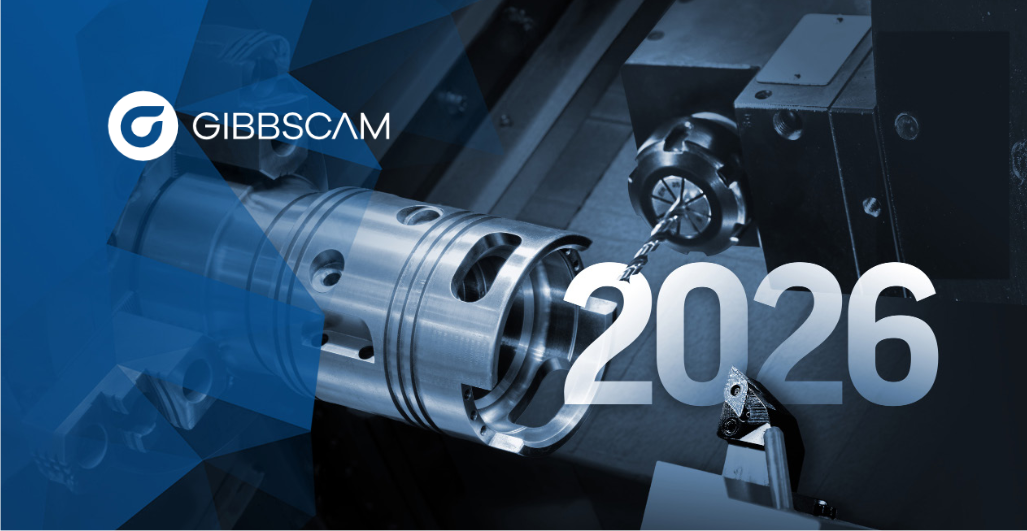
The new versions of GibbsCAM® and ProAXYZ™ are now available!
With this 2026 version of GibbsCAM®, we can highlight the following new features:
Advanced 3D Machining Module
At the heart of GibbsCAM® 2026 is a completely redesigned advanced 3D machining module, powered by ModuleWorks technology. This new engine delivers significant gains in toolpath generation speed while ensuring improved surface quality.
- Significantly faster calculations, with fewer iterations.
- Smoother and more predictable toolpaths.
- Superior surface finishes, reducing secondary operations.
- Familiar interface: no additional training required.
GibbsCAM® Viewer — Enterprise-Wide Collaboration
The new GibbsCAM® Viewer extends access to CAM data across the entire enterprise. This read-only tool enables operators, managers, and quality teams to:
- Inspect parts and verify geometry.
- Analyze toolpaths and generate reports.
- Work safely, with no risk of modifying toolpaths or NC code.
Advances in Turning and MTM Programming
- Variable-B Turning: definition of tool angles directly along the toolpath via interactive control points, with smooth interpolation for precise control of complex operations.
- Multi-Face Turning: optimized toolpath generation for Sandvik Coromant CoroTurn® Prime tools, with intelligent material engagement calculation for improved material removal and enhanced safety.
Expanded Multi-Axis and 5-Axis Capabilities
GibbsCAM® 2026 expands its multi-axis machining capabilities with advanced tilting strategies and smarter toolpath orientation:
- Enhanced AutoTilt function, now supporting round-end tools.
- Two new strategies: “Tilt in Plane” and “Tool Tilt in a User-Defined Plane.”
- Blade machining: new edge-finishing strategy, expanded tool support (flat-end mills, round-end mills, tapered tools), and customizable feed rates.
Smarter Tool Management
- Tool Usage Report: precise tracking of operations performed with each tool in a project, accessible directly from the Tool dialog box.
- New Tool List View: spreadsheet-style display, filtering by tool group, and easier editing.
Streamlined Workflow and Simulation
- Precise scaling of solids, sheets, and faceted bodies.
- Non-planar rotation around any axis, with live preview.
- Measurement of minimum/maximum distances between 2D or 3D components.
- Direct navigation within the Undo/Redo history.
- Simulation reflecting actual machining time, with optional metallic rendering.
An Expanded Portfolio with New Partner Solutions
- VERICUT® Optimized for GibbsCAM®: dynamic feed rate adjustment to maintain ideal chip thickness without modifying existing toolpaths.
- ToolManageriQ™: centralized management of tools, toolholders, and fixtures via an SQL database, integrated into GibbsCAM® or available as a standalone solution.
- CloudNC CAM Assist: cloud-based AI automation to generate 3-axis and 3+2-axis toolpaths directly from the GibbsCAM® session, allowing teams to focus on higher value-added tasks.
And on the ProAXYZ™ Side
The ProAXYZ™ suite also continues to evolve in parallel with GibbsCAM®, with enhancements across our existing modules. Do not hesitate to contact our team for more information on ProAXYZ™ developments tailored to your production environment.
For more details, please consult the What’s New below:
GibbsCAM v2026 – What’s New
Our technical and sales teams remain entirely at your disposal to answer any questions, organize a demonstration, or plan the update of your installation.
We wish you every success with the use of the new GibbsCAM® 2026 version.
Your Productec Team
